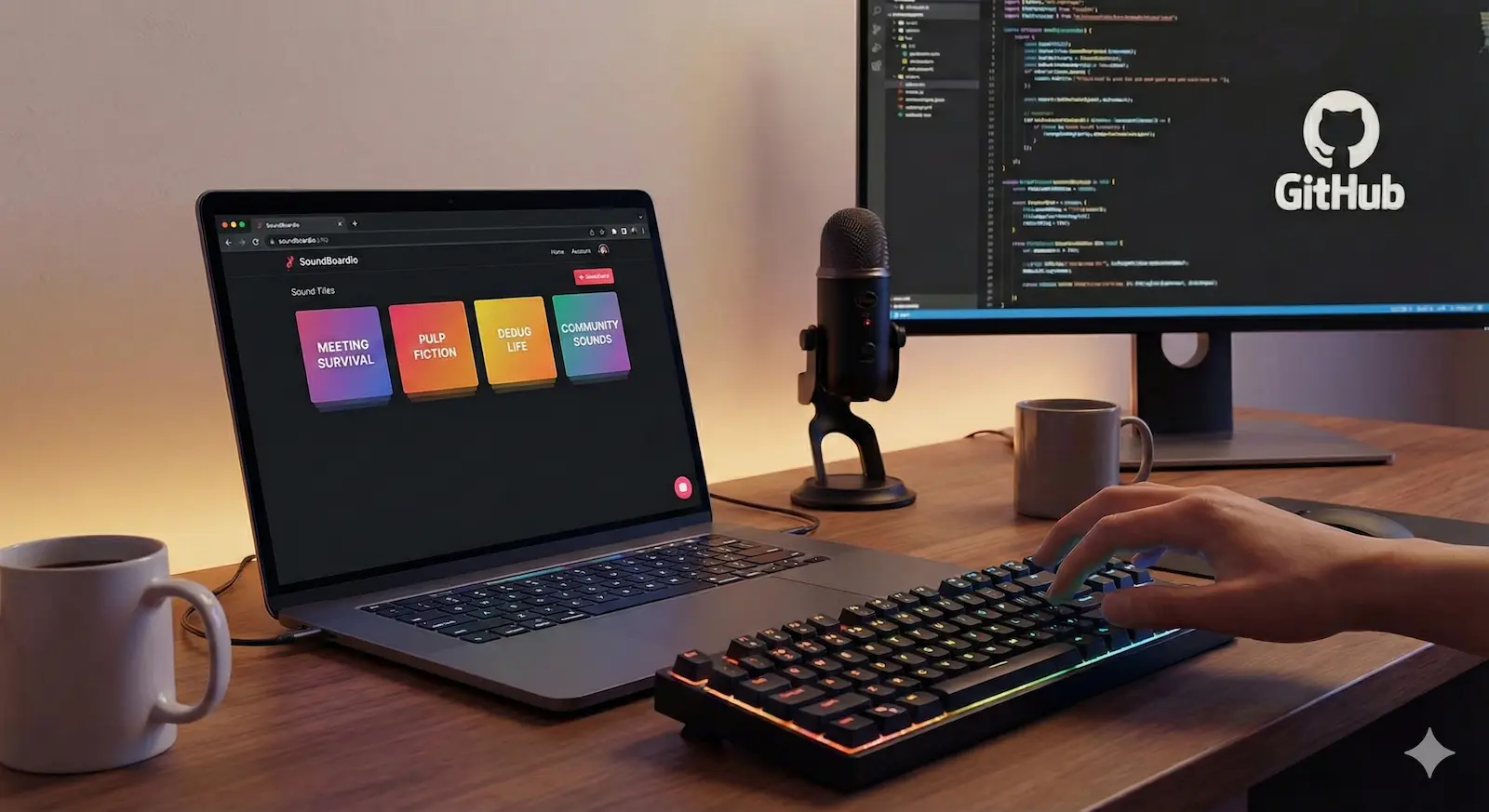
SoundBoardio: Github-driven soundboards
Turn your GitHub repository into a shareable soundboard. Zero config, PWA-ready, and completely free.
A perfectly timed sound bite is often worth a thousand words.
Whether you're hanging out on Discord with friends or want to lighten the mood during an online call, the right sound effect can work wonders.
Last week during a late-night call, someone needed the perfect movie quote. Nobody had it ready. We had the MP3 somewhere. Probably. In some folder. On some drive.
That was the moment we thought:
Why isn’t this just a GitHub repo?
And that’s how SoundBoardio was born.
👉 https://soundboardio.com/en/
What is SoundBoardio?
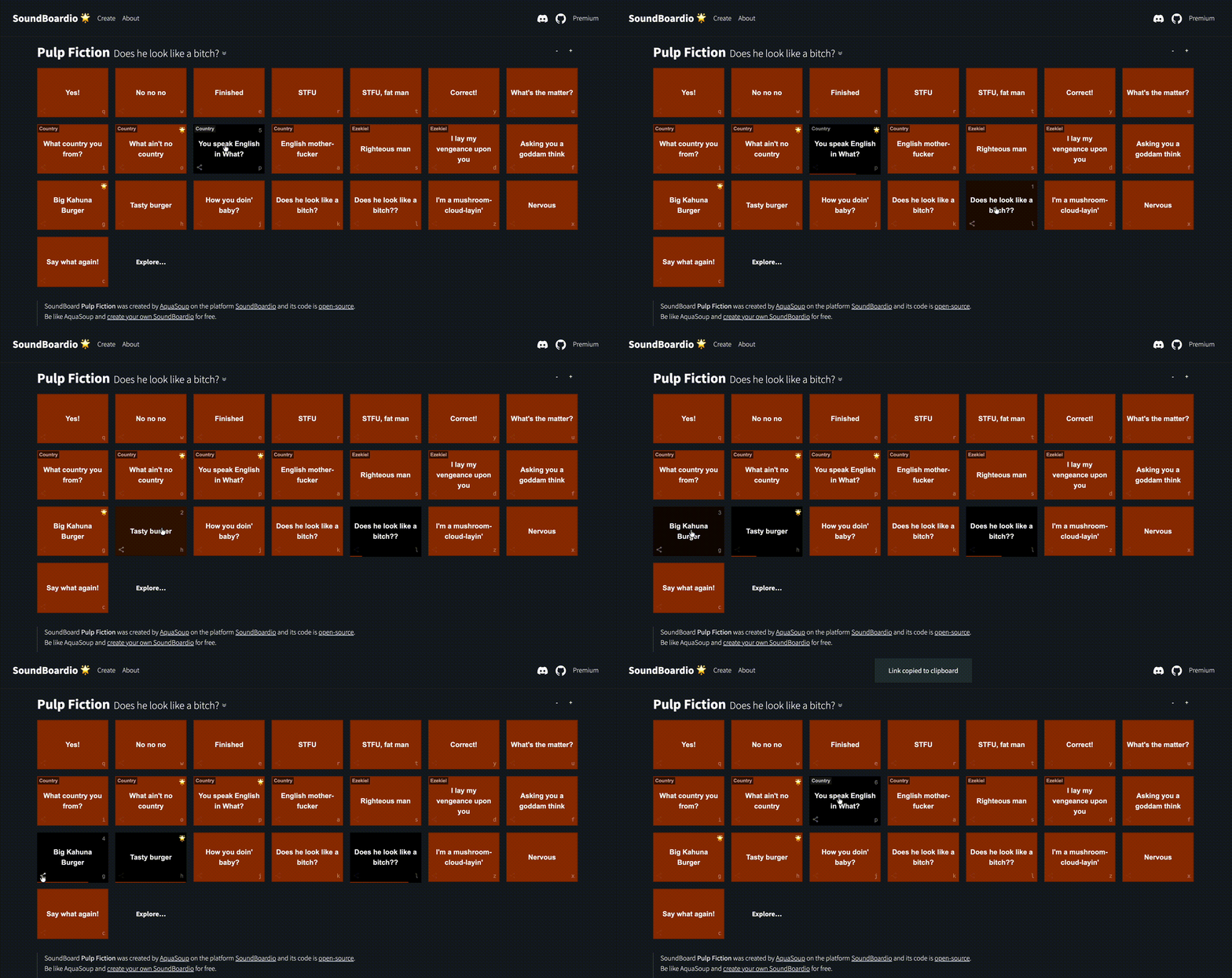
Simply put: it's a community app for creating your own soundboards. You can already find ready-made ones for movie fans (like unforgettable scenes from Pulp Fiction), or sound sets to help you survive the workday with humor.
But here’s the twist:
Your GitHub repository becomes the soundboard instantly.
Not a dashboard.
Not a SaaS backend.
Not another locked platform.
Just a repository.
Why GitHub?
Because we’re developers. And if soundboards are just audio files, configuration and metadata …then they belong in version control.
Using Github gives you:
- Versioning
- Forkability
- Ownership
- Zero vendor lock-in
- Instant publishing via
git push
Your repo becomes the CMS.
SoundBoardio becomes the engine.
How to create your own soundboard
The main thing about SoundBoardio is freedom. You don’t depend on what we prepared.
Creating your own board is simple:
- Create a public GitHub repository (starts with
soundboardio-) - Add your sound files (quotes, memes, inside jokes)
- Add a simple
soundboardio.jsonconfiguration - Push
That’s it.
- No Netlify.
- No Vercel.
- No supabase.
- No Firebase project setup.
- No build step.
If your repo is public, it just works.
See our docs or example repo. If you don’t want to write configuration manually, use our generator.
Repository Structure
All you need is a simple folder structure with your assets and one configuration file.
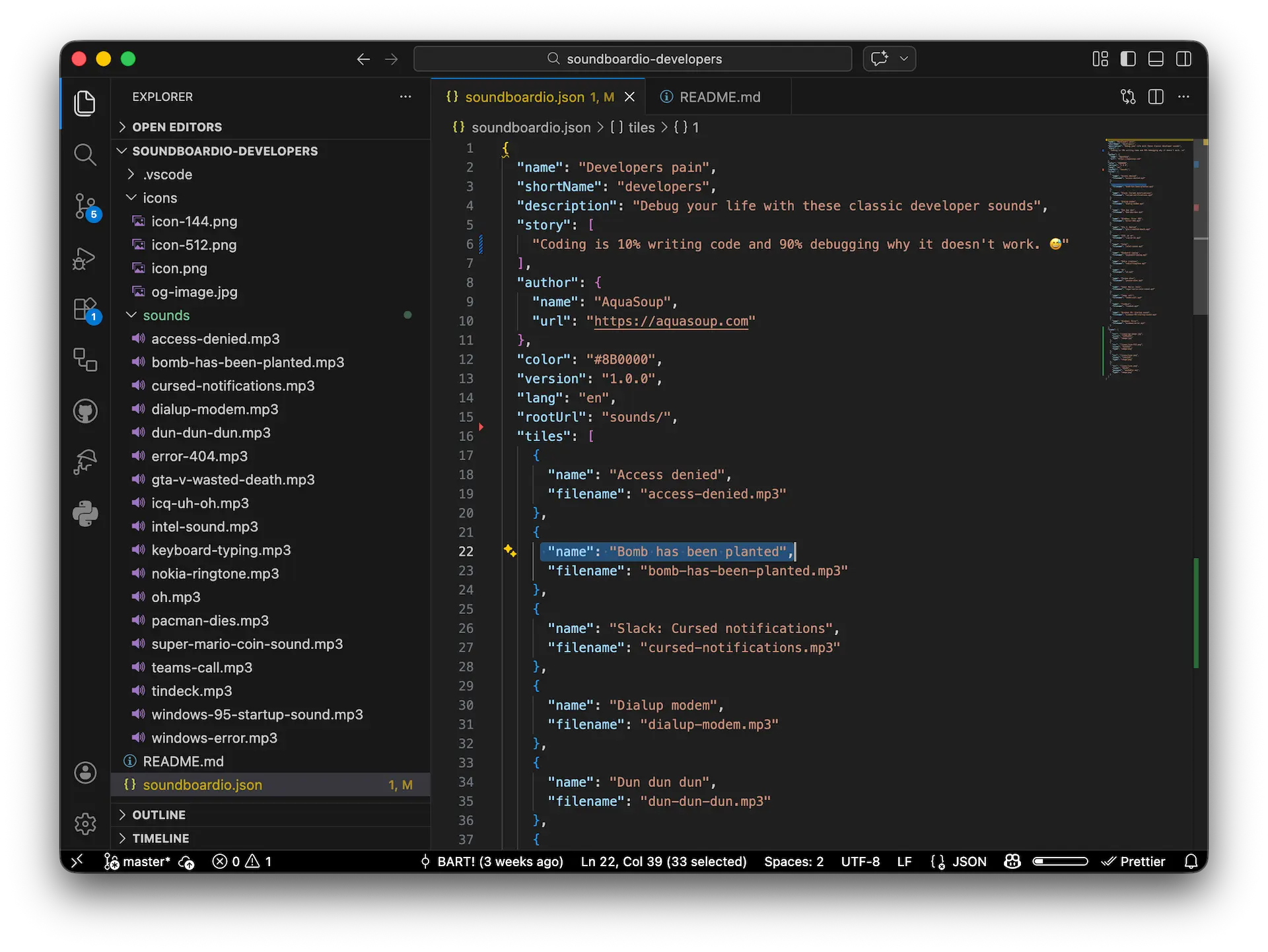
Here, soundboardio.json defines your sounds, colors, and shortcuts. The sounds folder contains your audio files.
username/soundboardio-myboard
├── soundboardio.json       # Board configuration
├── sounds/                 # Your sound files
│   ├── helloworld.mp3
│   ├── perfect.mp3
│   └── amazing.mp3
└── icons/                  # PWA icons (optional)
    ├── icon-192x192.png
    ├── icon-512x512.png
    └── og-image.jpg
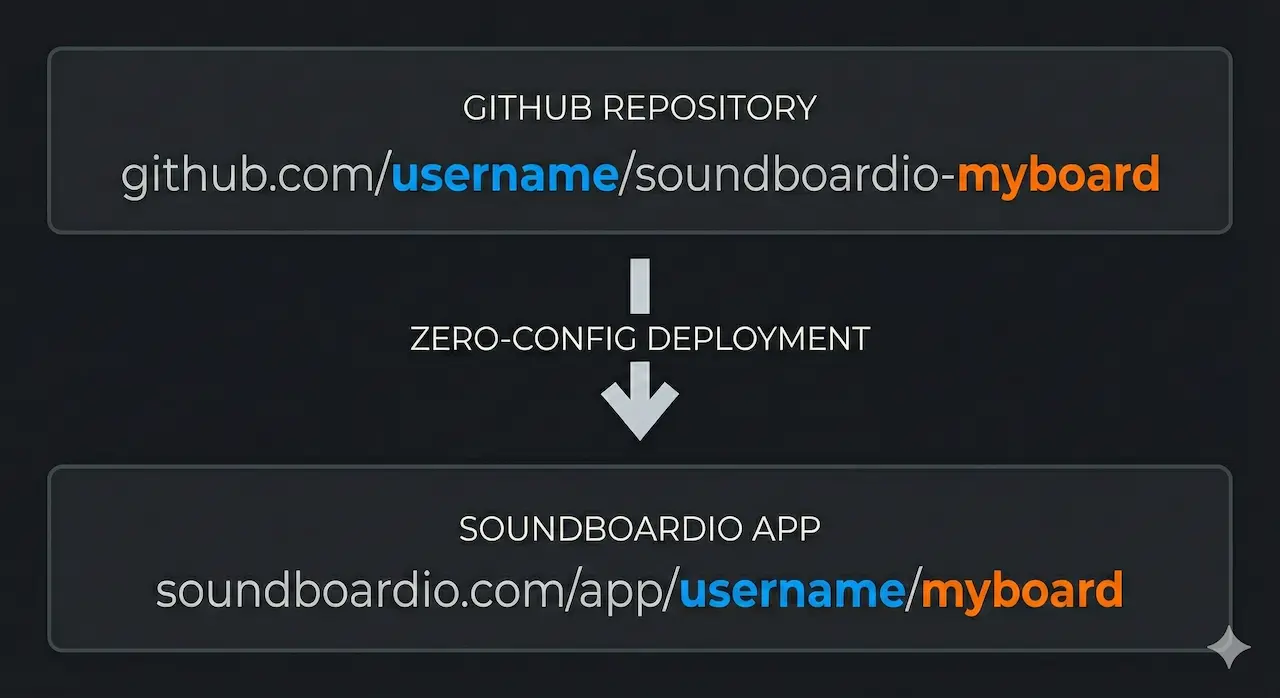
Zero-config deployment
Once your repo is ready, there is no build pipeline to configure.
That’s the whole “deployment pipeline”.
Push → Live.
Features you'll love
During development, we strove for maximum usability. SoundBoardio offers:
- 🚀 Zero-config deployment: Just push code to GitHub and your app is instantly live at a logical and memorable URL.
- 📱 Installable (PWA): You can install every board to your mobile or computer as an app. It works instantly and cleanly.
- 🔗 Share individual sounds: Every sound has its unique URL. You can send a specific joke to a chat without sharing the whole board.
- ⌨️ Keyboard control: Ideal for quick reactions. Just press the assigned key and the sound plays immediately.
- 🎛️ Monopoly mode: You can let sounds play over each other (for total chaos) or set them to interrupt one another.
- ♿ Dark mode and accessibility: The app looks great day and night and keeps accessibility in mind.
What's under the hood?
The code is created on the Prague – Copenhagen route, and our main fuel for development is the joy of creation and technology. We built the project on SvelteKit. Public repositories are fetched from Github and parsed dynamically. We use Firebase only as lightweight infrastructure glue — not as a per-board backend.
Each soundboard is treated as pure data.
Just a universal rendering engine reading repositories.
Community and Project Development
We build SoundBoardio for fun and the app is available completely for free. To cover operating costs, you'll find only subtle ads in it.
The biggest reward for us will be if you try creating your own soundboard and stop by our Discord or leave a comment. We can discuss ideas for new features, share creations, or you can report any bugs to us.
Head over to soundboardio.com, assemble your first soundboard, and make some noise! 🔊
Useful links:
